Deciding when to migrate from a traditional CMS to a headless CMS isn't just about whether the technology is better. It's about timing that decision correctly. Many organisations either wait too long, accumulating technical debt and performance issues, or rush into migration mid-campaign without proper preparation, disrupting content operations and wasting resources. 61% of IT leaders report migration fatigue causing project delays of six months or more, with the average business losing ₹2.6 crore per migration project due to poor planning and timing.
This article helps content and technology decision-makers identify the right conditions for migration, recognise readiness signals, and avoid costly timing mistakes when moving from a traditional to a headless CMS.
Key Takeaways
- Migrating at the wrong time (peak traffic, mid-campaign, misaligned teams) costs more than waiting it out on your current CMS
- Timing migration right means performance pain points, team readiness, and traffic patterns all have to line up
- Migrate when your CMS can't deliver across channels, page performance is slipping, and developers are stuck on workarounds
- Reasons to delay: under-resourced teams, peak traffic season (elections, IPL, product launches), or incomplete content audits
- There's no universal answer, use this guide to assess where your organisation actually stands
Why Timing Matters When Migrating to Headless CMS
CMS migration isn't a switch you flip. It involves restructuring content models, rebuilding frontend layers, and retraining teams, processes that take weeks or months. Migrating at the wrong time amplifies every risk.
Migrating during an active publishing cycle, such as an election week, a product launch, or a cricket tournament, can paralyse content operations entirely. Two recent examples illustrate the scale of these peak windows in India:
- India's 2024 general elections drove a 10% traffic surge the day before polling, with mobile usage jumping from 62% to 68% on election day itself
- Cricket-related content generated 32 million pageviews in the 90 days ahead of IPL 2026, with T20 content alone surging 240%
Scheduling a migration inside windows like these is an avoidable risk.
Conversely, migrating during a natural content lull drastically reduces disruption. Technical, content, and organisational readiness must align. Even the best headless CMS delivers poor outcomes if the team isn't prepared or content hasn't been structured in advance.
Best Time to Migrate Based on Your Situation
The "best time" to migrate has no fixed answer. It depends on your traffic patterns, content volume, business cycle, and team capacity. Different scenarios call for different migration windows.
Based on Traffic and Workload Conditions
Low-traffic periods are the safest migration window. Post-campaign lulls or off-peak seasonal windows minimise the risk of performance issues affecting users during high-stakes moments. Google's research on 11 million mobile landing pages found bounce probability increases up to 123% as page load time increases, making any migration-related slowdown during peak traffic especially costly.
For media and publishing organisations, migrations are best planned between major editorial events, not during election coverage, sports seasons, or breaking news cycles where uptime is non-negotiable:
- Avoid the 90-day window before IPL or major cricket tournaments
- Avoid election campaign periods (traffic can spike 10% or more)
- Avoid year-end festivals and major national events
- Target post-event recovery periods when traffic normalises
Google recommends splitting migrations into smaller steps: "Initially moving just a piece of the site to test any effects on traffic and search indexing." For large sites, this phased approach lets you validate performance before full commitment.
Based on Performance and Technical Pain Points
When Core Web Vitals scores are declining, plugin updates regularly break functionality, or hosting costs spike without proportional traffic growth, these are technical thresholds signalling your current system has hit its ceiling.
Google explicitly recommends achieving good Core Web Vitals - Largest Contentful Paint under 2.5 seconds, Interaction to Next Paint under 200 milliseconds, Cumulative Layout Shift under 0.1 - for "success with Search." These metrics align with what Google's core ranking systems "seek to reward."
Platforms built for performance demonstrate what's possible. Publive reports 98% of sites passing Core Web Vitals, showing the ceiling a modern headless-capable DXP can unlock.
Plugin debt is where many organisations hit a breaking point. In 2024, 7,966 new vulnerabilities were found in the WordPress ecosystem, a 34% increase over 2023, with 96% originating in third-party plugins. When a traditional CMS requires 10+ plugins to deliver what a headless CMS does natively, the maintenance burden alone justifies moving. Most WordPress sites run 20-30 plugins; enterprise sites may run 50+. Each one introduces security exposure, compatibility risk, and update overhead.
Based on Business Growth and Omnichannel Needs
When your organisation plans to expand to mobile apps, regional editions, partner portals, or emerging channels like voice, IoT, or AI search, that growth milestone is the right time to act. Migrate before those channels go live, not after they fail to integrate.
The adoption data makes the case clearly:
- 73% of businesses surveyed currently use headless architecture
- 80% believe it gives them a competitive edge in delivering new digital experiences
- 81% of CMOs say headless makes it easier to maintain consistent content across channels
If your roadmap includes omnichannel expansion, migrate before you commit resources to building on a platform that can't support it.
Based on Editorial and Organisational Cycles
Migration aligns best with planned rebrands, website redesigns, or technology stack reviews, moments when the team is already in "change mode" and budget has been allocated for digital transformation. These windows create organisational momentum that standalone migrations rarely generate.
Adding CMS migration to an existing digital initiative makes strategic sense. It reduces change fatigue, consolidates vendor relationships, and means you build once on the right foundation, rather than patching the wrong one for another two years before migrating anyway.
Signs You're Ready to Make the Switch
Most organisations don't plan a CMS migration. They get pushed into one. The signals below mean the push has already started.
Template rigidity is slowing your editorial team. Editors wait on developers for layout changes, content can't be reused across channels, and publishing velocity has slowed. This is the clearest operational signal that your CMS architecture no longer matches your content needs.
Slow load times are costing you search rankings. Page load speed directly affects search rankings and user retention. Google's 2018 Speed Update made page speed a mobile ranking factor, and Core Web Vitals have since become explicit signals in Google's ranking systems. Headless CMSs with optimised frontend delivery reach load speeds that monolithic CMS platforms structurally can't match.
Your dev team is maintaining, not building.A Stripe and Harris Poll survey found 42% of developer time is spent on maintenance and technical debt rather than new features. Common culprits:
- Plugin conflicts requiring emergency patches
- Security update cycles tied to CMS release schedules
- Version upgrade dependencies that break customisations
Headless architecture removes these constraints by decoupling the content layer from the delivery layer entirely.
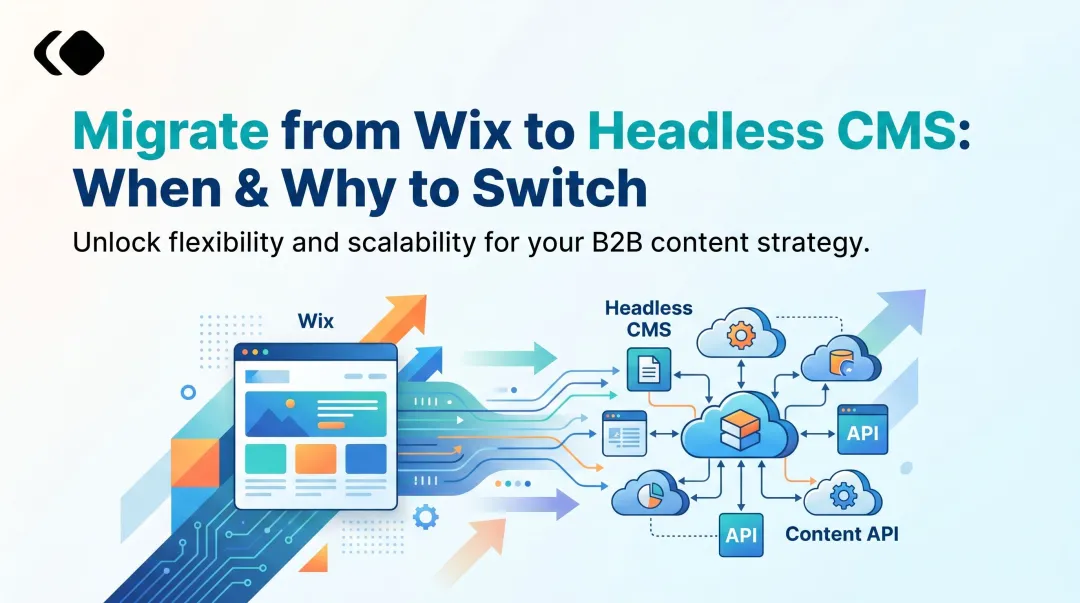
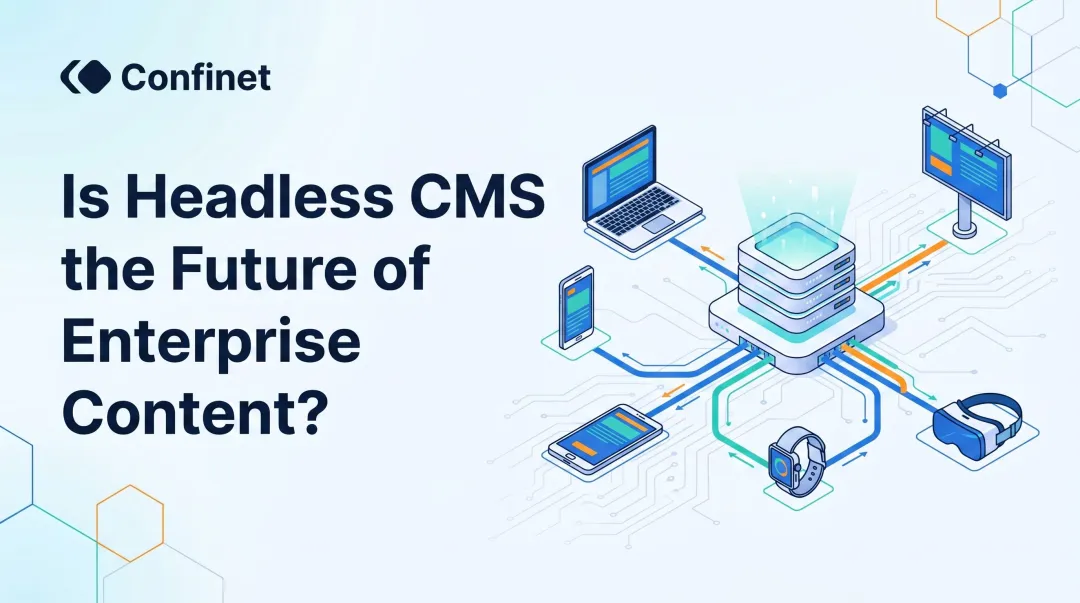
You're publishing across more than one channel. If the same content needs to appear on a website, mobile app, WhatsApp channel, or partner portal, the traditional CMS's page-centric model becomes an operational liability. Headless CMSs deliver content via APIs, enabling "author once, publish everywhere" workflows.
When You Should Delay the Migration
Timing a CMS migration poorly can undermine even the most well-planned transition. Certain conditions make migration high-risk regardless of how ready the technology is.
Don't migrate during peak traffic periods or critical content cycles. For media organisations, that means steering clear of election coverage windows, major sporting events (IPL, T20 World Cup), or breaking news seasons. For brands and financial institutions, avoid product launches, sales events, and reporting cycles. Downtime or performance issues during these periods carry consequences that no migration plan can fully offset.
Hold off if your content hasn't been audited and structured first. Migrating unstructured, duplicated, or outdated content into a headless system doesn't fix the problem. It imports it. Wait until your content audit is complete and your new content model is defined. That groundwork is what separates a migration that delivers long-term value from one that just recreates old problems in a new environment.
The third condition is stakeholder alignment. If content teams, developers, and business decision-makers aren't on the same page about goals, timelines, and workflows, the migration creates operational confusion rather than efficiency gains. 94% of IT leaders report system performance was either slower or unchanged post-migration. Insufficient training and change management are the most common culprits.
Before you begin, confirm that everyone involved understands what's changing, what their role is during the transition, and what success looks like on the other side.
In short, delay migration if any of the following apply:
- A high-traffic or high-stakes business period is approaching
- Your content library hasn't been audited or modelled for the new system
- Key teams aren't aligned on goals, timelines, or post-migration workflows
What Happens When You Migrate at the Wrong Time
Migrating during a high-traffic or high-stakes period without adequate preparation leads to downtime, content unavailability, and SEO ranking drops. Analysis of 100+ website migrations found one case where 50% of a site's traffic disappeared overnight due to poor planning. A recruitment business lost 100% of its localised search traffic after converting location pages to a dropdown format without proper redirect mapping.
Three consequences show up repeatedly when migrations go wrong:
- Content rework spirals: Importing content that doesn't fit the new structure forces teams to manually restructure data post-launch, costing more time and budget than a properly planned migration. Gartner research found 83% of data migration projects either fail or exceed their budgets and timelines.
- Platform abandonment: Early friction from a rushed migration stalls adoption. Organisations end up running parallel CMSs indefinitely or reverting to legacy systems, compounding both cost and complexity.
- Developer and revenue loss: 70% of enterprises reported developer burnout during platform migrations, and 60% flagged missed revenue opportunities from delayed launches.
Best Practices for Timing Your CMS Migration Right
Three practices consistently separate migrations that go smoothly from those that stall.
1. Audit and plan before you commit to a date.
Start with a migration readiness checklist: content inventory, URL mapping, redirect planning, stakeholder alignment, and team training. Begin at least two to three months before the planned window. Small website migrations take 3–6 weeks; enterprise migrations take 3–6+ months, depending on content volume and organisational complexity.
2. Tie the migration to a natural organisational milestone.
Link the timeline to a planned website redesign, a regional expansion, or a scheduled technology review. These events create budget justification and organisational momentum that a standalone migration rarely generates on its own.
3. Use a phased approach, not a big-bang cutover.
Migrate one section or content type at a time, running the headless setup in parallel with the existing CMS. Martin Fowler's strangler fig pattern formalises exactly this approach, replacing legacy functionality incrementally so you can validate performance and team workflows before full commitment.
Google's own guidance reinforces this:
"Change only one thing at a time. If you want to move your site to a new domain name, change your content management system, and update your site to use a new layout, do them one at a time."
Conclusion
There is no universal date or industry trend that marks the right time to migrate from a traditional CMS to a headless one. The decision comes down to how well your current setup aligns with your performance needs, organisational capacity, and growth trajectory.
If your current CMS is actively slowing down your content operations more than it's enabling them, the conditions for migration are likely already present. The priority then shifts to identifying the right window and evaluating platforms built to handle the scale you're moving toward, whether that's a dedicated headless architecture or a unified DXP like Publive that combines headless delivery with content workflows and performance optimisation in a single system.
Frequently Asked Questions
What is the difference between CMS and headless CMS?
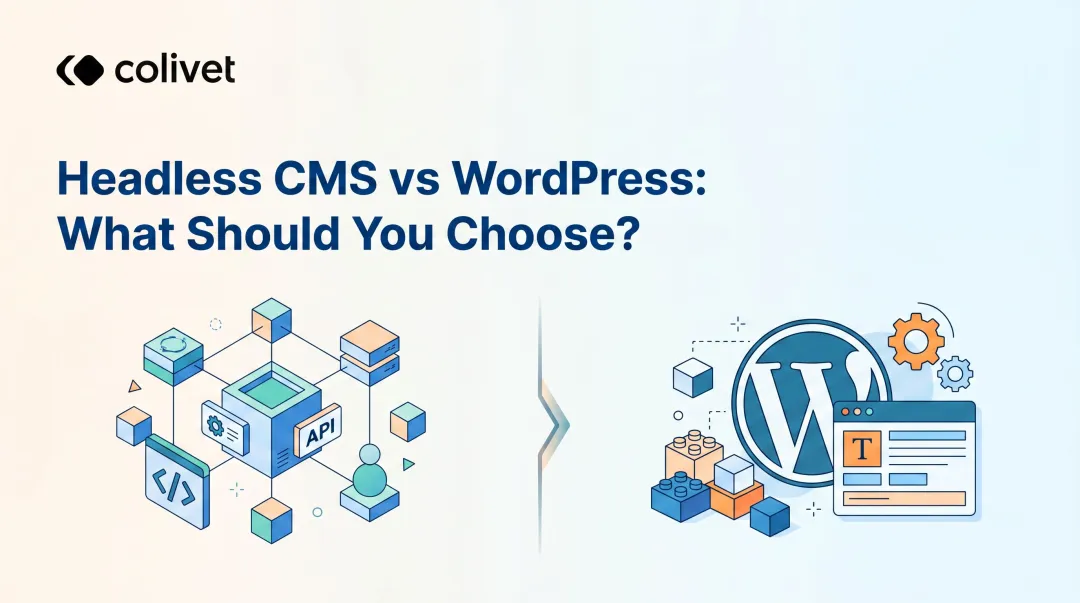
A traditional CMS tightly couples content management and front-end presentation within a single system, while a headless CMS separates the two, storing and delivering content via APIs so it can be displayed on any device or platform independently.
Is headless CMS good for beginners?
Headless CMS platforms require more technical setup than traditional systems. API-driven workflows create a real learning curve for non-technical users, though many modern platforms now offer editorial interfaces that non-developers can navigate without deep coding knowledge.
How long does it take to migrate from a traditional CMS to a headless CMS?
Migration timelines vary by content volume and complexity, but most enterprise migrations take between 8 and 20 weeks. Proper pre-migration planning, content audits, and phased rollouts can significantly reduce the risk of delays.
Will migrating to headless CMS affect my SEO rankings?
Migration can temporarily affect SEO rankings. The most common risks are misconfigured redirects, unmapped URL changes, and JavaScript-rendered content that search engines fail to index. Using server-side rendering and mapping redirects before go-live keeps ranking disruption minimal.
Can I migrate to headless CMS without losing existing content?
Most traditional CMS platforms allow content export, but importing into a headless CMS requires mapping old structures to new content models and cleaning up formatting. A straight lift-and-shift without restructuring typically carries old problems into the new system.
How do I know if my team is ready for a headless CMS migration?
Three indicators signal readiness: developers are comfortable with API-driven workflows, content editors understand structured content models, and stakeholders have agreed on goals and timeline. If any one of these is missing, address it before committing to a migration date.