Introduction
WordPress powers 42.2% of all websites and nearly 60% of sites using a known CMS. It built the web for content creation. Yet for publishers managing high-traffic news operations, WordPress's monolithic architecture increasingly limits the performance, security, and scalability that modern media demands.
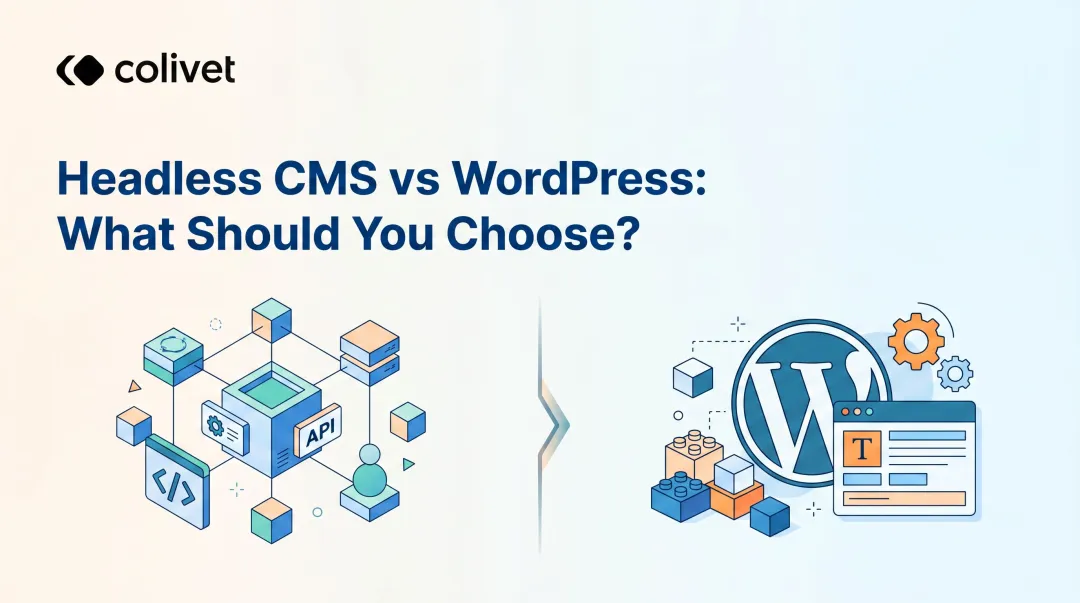
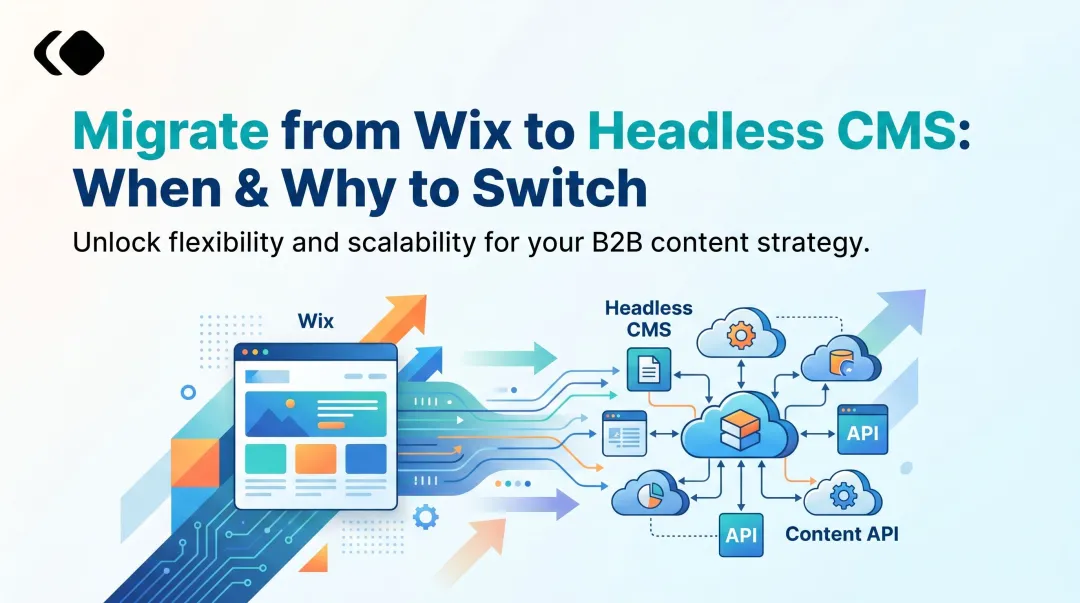
For many publishers, the migration question has shifted from whether to when. A headless CMS decouples content management from front-end delivery, giving editorial teams faster load times, tighter security, and the ability to push content to web, app, and third-party platforms from a single source. The results, though, depend entirely on how well you plan content models, preserve SEO equity, and maintain editorial continuity through the transition.
This guide walks through when migration makes sense, what to prepare before you start, the exact steps to execute the move, and the post-launch actions that protect your search rankings and ad revenue.
Key Takeaways
- Migrating to a headless CMS unlocks faster performance, stronger security, and seamless omnichannel delivery for growing publishers
- Suits publishers facing plugin slowdowns, traffic-spike crashes, or needing to distribute content across web, app, and social simultaneously
- Pre-migration prep determines 70% of migration outcomes: content audits, data backups, and CMS selection all happen before a single URL moves
- SEO preservation through 301 redirects, sitemap updates, and structured data is the highest-risk, most-overlooked migration phase
- Core Web Vitals gains and faster publishing workflows are achievable, provided front-end delivery and editorial pipelines are configured correctly from the start
Why WordPress Falls Short for Growing Publishers
WordPress's monolithic architecture tightly couples the CMS and front-end. When viral articles spike traffic, readers and editors compete for the same server resources. Editorial dashboards slow down precisely when newsrooms need them most.
Performance and Plugin Bloat
Publishers accumulate plugins over time: SEO tools, caching layers, paywalls, ad managers, push notifications, analytics trackers. Each plugin adds database queries, JavaScript files, and potential security holes.
According to Patchstack's 2024 security data, 96% of new WordPress vulnerabilities originate in plugins, with 43% requiring no authentication to exploit. The WordPress ecosystem recorded 7,966 new vulnerabilities in 2024,a 34% year-over-year increase.
Core Web Vitals data tells a similar story. HTTP Archive's 2024 Web Almanac shows WordPress sites achieve a 40% mobile Core Web Vitals pass rate,below the 51% global average and trailing competitors like Duda (73%), Squarespace (60%), and Drupal (56%).
Scaling and Security Limitations
WordPress requires manual scaling: load balancers, database replication, Redis caching, and CDN layers. For mid-to-large publishers, this infrastructure becomes expensive to maintain and difficult to troubleshoot during traffic surges.
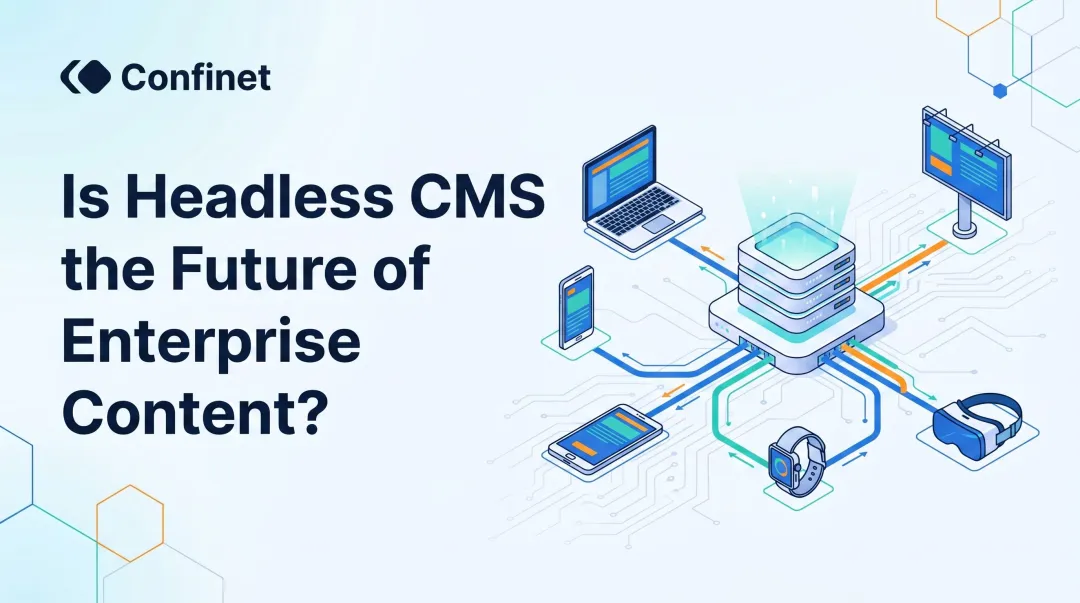
Headless CMS platforms address these gaps directly by serving content via lightweight APIs with cloud-native auto-scaling. The security posture improves across the board:
- No PHP execution layer exposed to the public web
- No plugin vulnerabilities to patch on a weekly cycle
- No database directly accessible from the internet
- Content served statically from edge CDNs, eliminating server-side resource contention
The result is a platform that handles traffic spikes without the operational scramble WordPress demands.
What Publishers Must Prepare Before Starting the Migration
Pre-migration planning determines whether your transition is smooth or results in broken URLs, content loss, and SEO regression.
Audit Your WordPress Content and Plugins
Start by inventorying all content:
- Post types (articles, author pages, category pages, tag pages)
- Custom fields added by plugins like Advanced Custom Fields
- Media libraries (images, videos, PDFs)
- Plugin-dependent functionality (paywalls, newsletters, ad integrations)
Clean house before exporting. Deactivate unused plugins, delete orphaned posts, remove broken media links. Take a full database and file backup, this is your safety net if rollback becomes necessary.
Choose a Headless CMS Built for Publishers
With your content inventory complete, the next decision is which platform can actually handle a publisher's operational demands. Evaluate platforms on these criteria:
- Supports editorial workflows, roles, approvals, and publishing schedules for teams of 10+
- Models structured content flexibly across article types, authors, and categories
- Delivers fast, reliable API responses under high-traffic conditions
- Ships with Core Web Vitals optimisation built into the front-end delivery layer
- Connects natively to GA4 and Google Search Console for unified analytics
Publive, for instance, achieves 98% Core Web Vitals pass rates and cuts content production time by 60% through AI-powered workflows, which means less remediation work after you've migrated.
Set Up Your Hosting and Front-End Environment
Once your CMS is chosen, the hosting layer needs to be in place before a single piece of content moves over. Since the headless CMS hosts your back-end in the cloud, configure a front-end hosting provider:
- Vercel, Netlify, or Cloudflare Pages for static/SSR delivery
- Next.js is the most common framework for publisher use cases
- Configure API keys and environment variables before content migration begins
Step-by-Step: How to Migrate from WordPress to a Headless CMS
Migration tools handle the heavy lifting, but a large archive requires phased execution. Each step below maps to a distinct stage, skip one, and you risk broken URLs, missing assets, or a broken editorial workflow on day one.
Step 1: Export Your WordPress Content
Use WordPress's built-in export tool (Tools > Export) to generate an XML file covering posts, pages, categories, tags, authors, and custom fields. WordPress's export documentation confirms the WXR format includes all standard content types.
Media files must be exported separately. Alternatively, use the WP REST API (/wp-json/wp/v2/posts) for programmatic access during migration.
Step 2: Define Content Models in Your New CMS
Recreate your WordPress post types as structured content models:
Article model:
- Title, slug, featured image
- Author relationship
- Category/tag taxonomy
- Excerpt, rich-text body
- Publish date, SEO fields (meta title, meta description, canonical URL)
Author model:
- Name, bio, photo, social links
Category model:
- Name, slug, description, parent category
A schema mapping error at this stage causes data loss that's difficult to reverse, test your content models against 10-20 sample posts before touching the full archive.
Step 3: Migrate Content and Media Assets
Use a migration tool or CLI importer (most headless CMSs provide a WordPress importer) to push content from your XML export into the new CMS.
Images are typically migrated to a CDN-backed asset library. The schema_mapping in your import script must correctly map WordPress fields to new content model fields:
wp_title → article.title
wp_excerpt → article.excerpt
wp_featured_image → article.featuredImage
Run a test migration on 50-100 posts first. Verify that images, categories, authors, and custom fields all map correctly before migrating your full archive.
Step 4: Implement 301 Redirects and URL Preservation
URL structure preservation is critical. Article slugs, category pages, and author pages often carry years of link equity.
Google's redirect guidance is clear:
- Use permanent server-side 301 or 308 redirects
- Avoid redirect chains (maximum 3-5 hops)
- Keep redirects active for at least one year
- Redirect each URL to its most relevant equivalent page
- Do not mass-redirect to your homepage: Google treats this as a soft 404
Generate an updated XML sitemap for Google Search Console resubmission before going live.
Step 5: Connect the Front-End and Configure Publishing Workflows
Link your front-end application to the headless CMS API. Configure webhooks so that publishing content triggers an automatic front-end rebuild.
Set up editorial roles and content approval workflows in the new CMS to match your newsroom's existing process. Test the full publish-to-live pipeline in staging before switching DNS.
Once staging is validated, your migration is complete, what remains is monitoring post-launch performance and confirming Google has re-indexed your redirected URLs within the first 30 days.
Post-Migration Essentials: SEO, Performance, and Editorial Workflow
Going live is not the finish line. What happens in the first 30 days after cutover largely determines whether you capture the performance and SEO gains the migration was built around.
Protecting and Rebuilding SEO Equity
Google's site migration documentation recommends:
- Resubmit updated XML sitemap to Google Search Console
- Verify canonical tags are correctly implemented on the new front-end
- Check that structured data (Article schema, BreadcrumbList, Author) is present and valid
- Monitor Google Search Console for 404 errors or coverage drops
Google states that "a medium-sized website can take a few weeks for most pages to move in our index; larger sites can take longer." Expect temporary ranking fluctuations.
Achieving and Sustaining Core Web Vitals Performance
Core Web Vitals scores directly impact Google News/Discover eligibility and ad revenue. Web.dev case studies document publishers achieving +18% ad revenue and +27% page views after Core Web Vitals optimisation.
Critical front-end optimisations:
- Image CDN with lazy loading
- Server-side rendering or static site generation for article pages
- Eliminate render-blocking scripts
For publishers who need these gains without a prolonged front-end build, Publive's platform achieves a 98% Core Web Vitals pass rate across its publisher network and includes AI-powered content workflows that cut production time by 60%,two measurable outcomes that are otherwise difficult to reach independently.
Rebuilding Editorial Workflow and Training the Newsroom
Editors used to WordPress's Gutenberg editor will need structured onboarding on the new CMS interface, the sooner this begins, the less it disrupts publishing cadence.
Best practices:
- Document the new publish-to-live workflow
- Set up user roles that mirror existing newsroom hierarchy
- Run a parallel publishing period (both systems active) for at least two weeks before full cutover
Running both systems in parallel also surfaces edge cases, workflow gaps or permission mismatches, before they affect a live deadline.
Common Mistakes Publishers Make During CMS Migration
These are the most common failure points, where technical execution is fine but critical details get missed:
No content audit before export Migrating orphaned posts, broken media links, and unused custom fields creates technical debt in the new system. Clean your WordPress instance thoroughly before exporting.
Incomplete SEO redirect mapping Most teams map article URLs and miss author pages, tag pages, and paginated archives, all of which carry real search traffic. Moz's analysis of 100+ migrations found that missing 301 redirects on high-traffic category pages can wipe out organic visibility overnight.
Cutting over before the editorial pipeline is verified Switching DNS before confirming that webhook-triggered rebuilds work end-to-end means editors may publish content that never appears on the live site. Always run a full content-publish-to-live test in staging before cutover.
Frequently Asked Questions
How to migrate a website without losing SEO?
Preserve SEO by implementing 301 redirects for every URL that changes, maintaining the same slug structure where possible, resubmitting the XML sitemap to Google Search Console post-launch, and verifying structured data is intact on the new front-end.
What is the easiest way to migrate a WordPress site?
Most headless CMS platforms offer a WordPress importer tool (CLI-based or plugin-based) that reads the WordPress REST API or XML export. It automatically creates content models and migrates posts, pages, authors, and media, reducing manual effort for standard WordPress setups.
Can you use WordPress as a headless CMS?
Yes, WordPress can be used in headless mode via its built-in REST API or the WPGraphQL plugin. However, this still requires maintaining WordPress security and updates,whereas migrating to a purpose-built headless CMS removes that maintenance overhead entirely.
How long does it take to migrate from WordPress to a headless CMS?
Timeline depends on archive size and site complexity. A standard blog with under 500 posts may migrate in 1-2 weeks, while a publisher with tens of thousands of articles, custom post types, and complex editorial workflows should budget 4-8 weeks for a phased, quality-checked migration.
Will my editorial workflow change significantly after migrating?
Core actions like creating, editing, and publishing remain familiar. Editors gain structured content fields, version control, and a faster admin interface. Running both systems in parallel for 1-2 weeks helps the team adapt before full cutover.
Does WordPress count as a CMS?
WordPress is a traditional (monolithic) CMS where content management and front-end rendering are tightly coupled. This differs from a headless CMS where content is managed separately and delivered via API to any front-end application or channel.